
Cloud coding agents usually start the same way: clone your repository into a container, ask for tokens, and run somewhere you can't see. SeaSalt works the other way around. The agent runs on your Mac, in your project folders, with the tools and sign-ins already there. That brings real practical benefits and real privacy benefits. But "runs locally" is a phrase that gets stretched, so this post also lists exactly what leaves your Mac and where it goes.
Your setup is the hard part
Getting a project to the point where an agent can do useful work takes a lot: the repository is checked out on the right branch, git can push, the GitHub CLI is signed in, the right AWS profile is selected, the local database is running, the env files are in place, and the Claude Code CLI is logged in. Rebuilding all of that in a cloud sandbox means copying secrets into someone else's machine and keeping two environments in sync.
On your Mac, all of it already works. SeaSalt Work Sessions run in the project's folder on your Mac. A session's terminal is your login shell. Claude Code runs on the CLI that's already signed in on that Mac. Devin CLI uses your installed, authenticated copy. Codex ships with the app and uses the ChatGPT account you connect in SeaSalt. When an agent runs git, gh, or aws, it uses the profiles selected on your Mac.
Sessions edit files directly in your folder rather than in a copy, so changes show up in your editor right away. That also means it's worth committing or stashing before you hand a project to an agent, the same as you would before a colleague touched it.
What stays on your Mac
- Repositories and files. Work Sessions run where your code lives. We don't clone your repository to our servers.
- Model sign-ins. Your Claude Code and Codex logins and provider settings stay on that Mac. Model requests go from your Mac straight to the provider you chose, or stay on the machine if an agent uses a local model through Ollama or LM Studio.
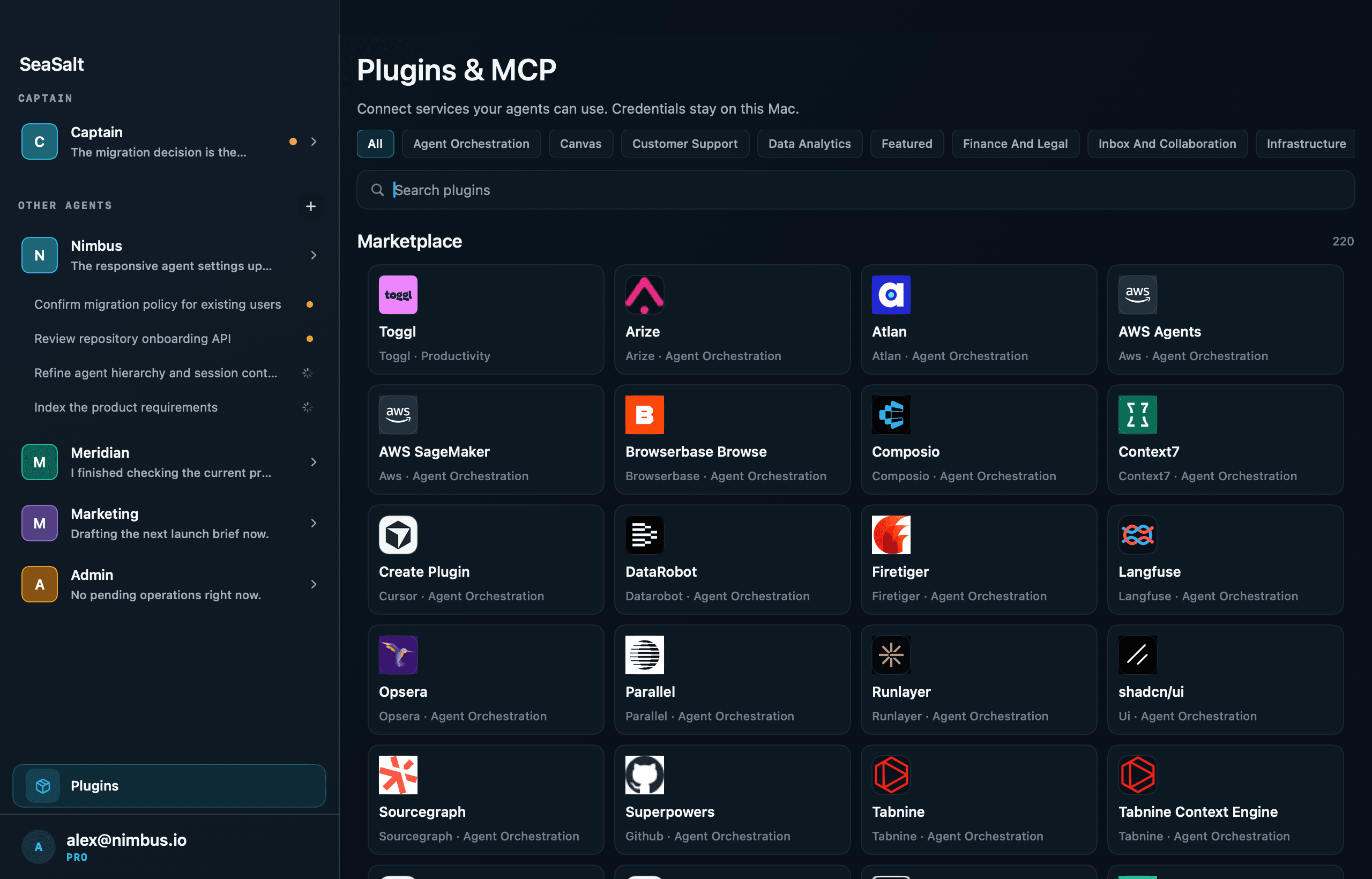
- Plugin credentials. API tokens for plugins are stored in the macOS Keychain, and OAuth sign-ins are held on the Mac. Work Sessions never receive the raw credential. Their calls go through a broker on the Mac, which applies the Allow, Ask, or Deny policy you set for each kind of action. Our servers store which connections exist, the policy, and a usage record (tool name, action, decision).
- Device keys. The keys that pair your iPhone and Mac are stored in each device's Keychain.
What goes through SeaSalt's servers
To let you follow and steer agents from your iPhone, SeaSalt syncs agent activity through our servers. It's encrypted in transit and stored on our servers. It is not end-to-end encrypted. Specifically:
- Agent conversations.
- Work Session prompts, live progress, results, and errors.
- Diffs of the changes agents make.
- Approval requests, including the command being approved.
- Agent briefs: mission, instructions, context sources, intents, skills, and routines.
Push notifications carry a short preview of the reply or result through Apple's push service. We also store what any account service needs: your account, your devices and their public pairing keys, workspace folder paths, and which AI provider and model each Mac uses.
One more item belongs on this list. The optional AI status summary for a terminal session on the iPhone sends that session's recent scrollback through our backend to a hosted model to write the summary. If your terminal output is sensitive, don't use that summary for it.
We're spelling this out because "local agent" can sound like nothing ever leaves the machine. Your code and credentials stay on your Mac. The conversation about the work goes through us, so your phone can show it.
What's end-to-end encrypted
The remote-access channels between your iPhone and Mac are end-to-end encrypted: Terminal, Desktop (screen sharing), Files, Browse, and the live view of the agent browser.
Pairing works like this. Both devices show a 6-digit code, and you confirm the codes match. Underneath, the devices agree on keys with X25519, sign the code with Ed25519, derive per-session keys with HKDF-SHA256, and encrypt traffic with AES-256-GCM. Private keys stay in each device's Keychain. The relay forwards traffic it can't read.
Both devices connect outbound to the relay, so you don't open ports, forward anything, or set up a VPN.
The trade-offs
Running on your Mac means your Mac has to be running. SeaSalt lives in the menu bar, and closing its window doesn't quit it. A Sleep prevention setting keeps the Mac from idle-sleeping during active sessions or whenever SeaSalt is running. A Mac that is shut down or asleep can't run an agent, though.
It also means agents act with your access. An agent that can run your shell can do anything you can, which is why permission modes matter. With Claude Code you can choose Ask for approval (you approve each action), Allow edits, Auto (Claude decides, risky actions are blocked), or Full access. Codex has Workspace only, Ask for approval, and Full access. Start strict and loosen per session as you build trust.
And it means sharing your Mac's resources. A big build in one session and a test suite in another will compete for the same CPU you're using.
Why we think it's the right default
The things an agent needs to be useful (your code, your tools, your access) are already on your Mac. Moving them to a cloud sandbox costs you setup time and spreads your secrets. Leaving them where they are, and being exact about the parts that do sync, is the simpler arrangement and the easier one to trust.
macOS 15+ · Apple Silicon & Intel